How to Use AI Design Tools for Visuals – Practical Checklist for Creators, Marketers & Designers
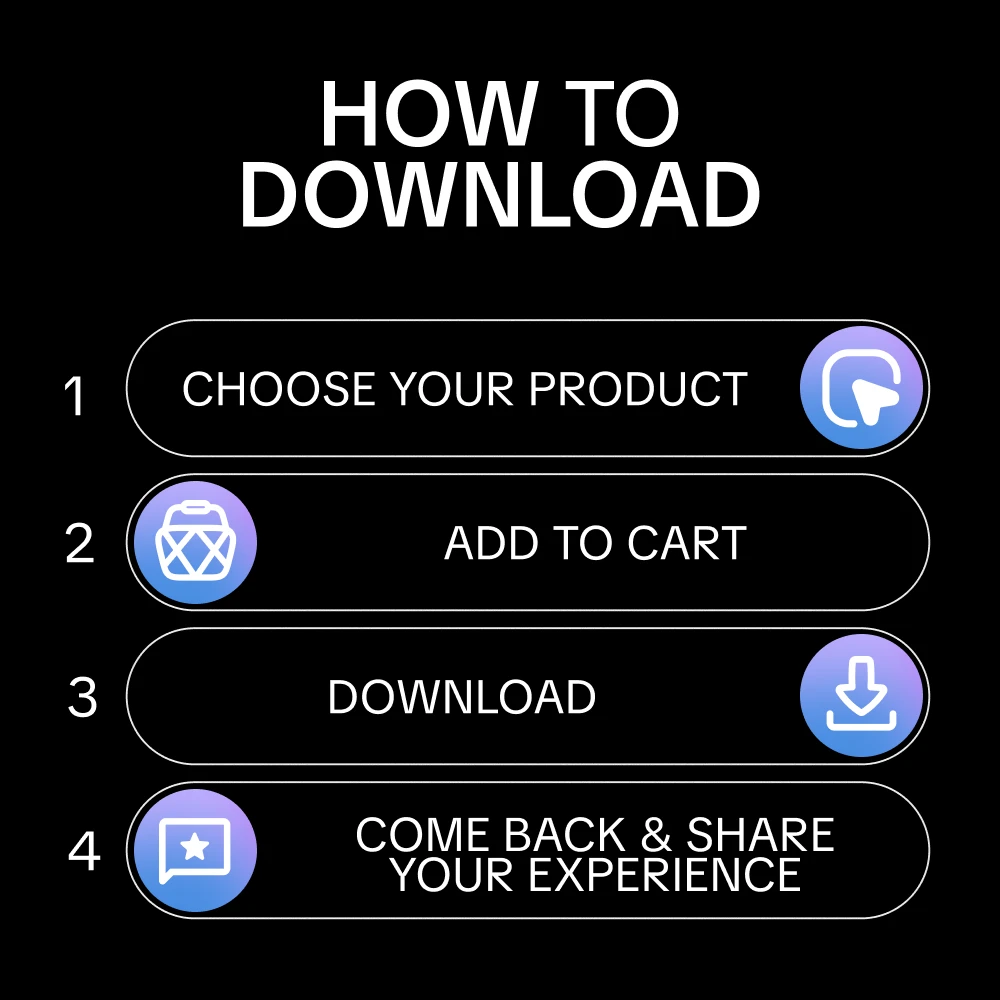
A complete digital product, made by experts and yours to keep for good. Get instant access the moment you buy. Compatible with all devices.
30-day guarantee — full refund if the tool doesn't match its description or you can't access it. Once accessed, refunds aren't available for change of mind.
Instant digital delivery — access immediately after purchase. Works on phone, tablet, or desktop. Includes free lifetime updates.
Turn AI Into a Visual Assistant You Actually Trust
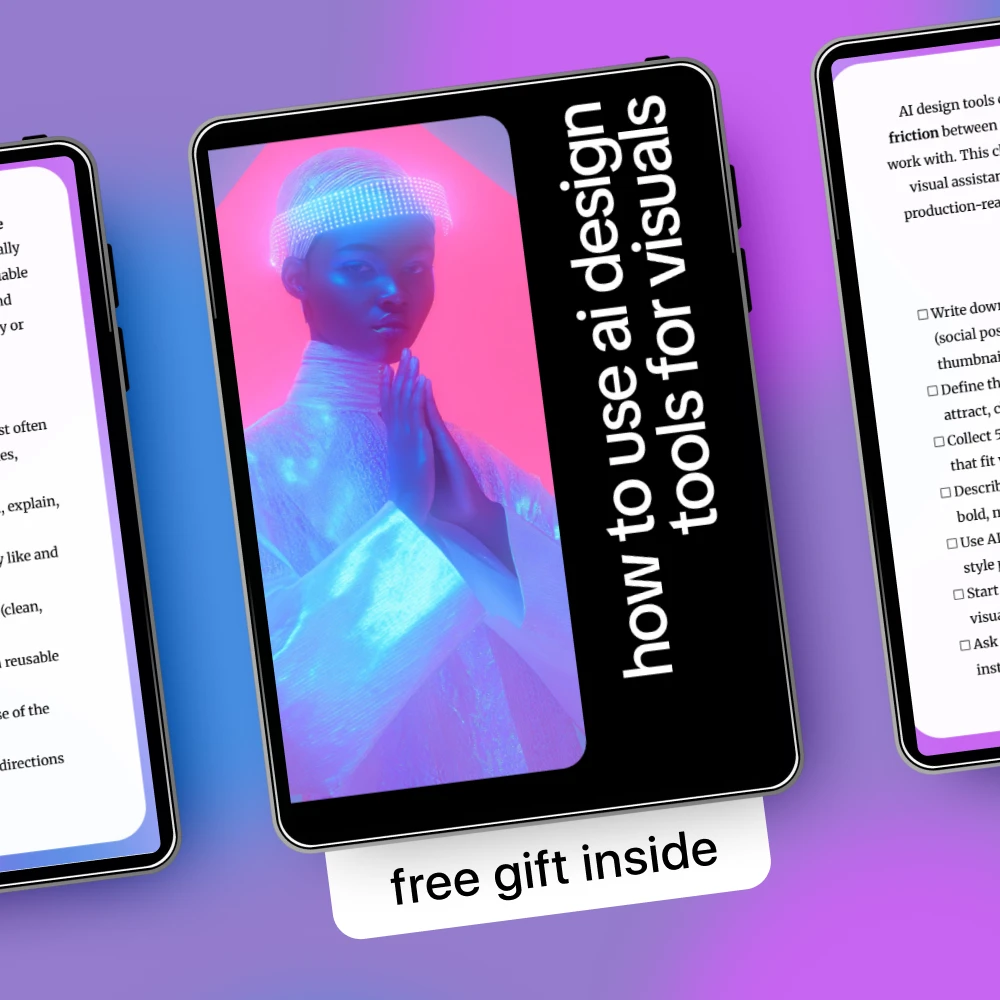
AI design tools don’t replace your creative eye—they remove friction between your ideas and visuals you can confidently use. How to Use AI Design Tools for Visuals is a focused, easy-to-follow checklist that helps you work with AI more intentionally, not randomly. Instead of endless prompts and generic images, this checklist shows you how to guide AI toward visuals that match your goals, message, and style while keeping you fully in control.
What’s Inside This Checklist
- Steps to define the visuals you need most, from social posts to ads and thumbnails
- Guidance on clarifying the goal of every visual before you generate anything
- Simple ways to describe your visual style so AI can follow it consistently
- Methods for generating directions and variations instead of one-off images
- Checks for readability, clarity, and message alignment
- Tips for refining, simplifying, and customizing AI-generated visuals
- Systems for saving prompts, styles, and settings that actually work
- Ideas for building a reusable personal library of visuals and layouts
Why This Checklist Works
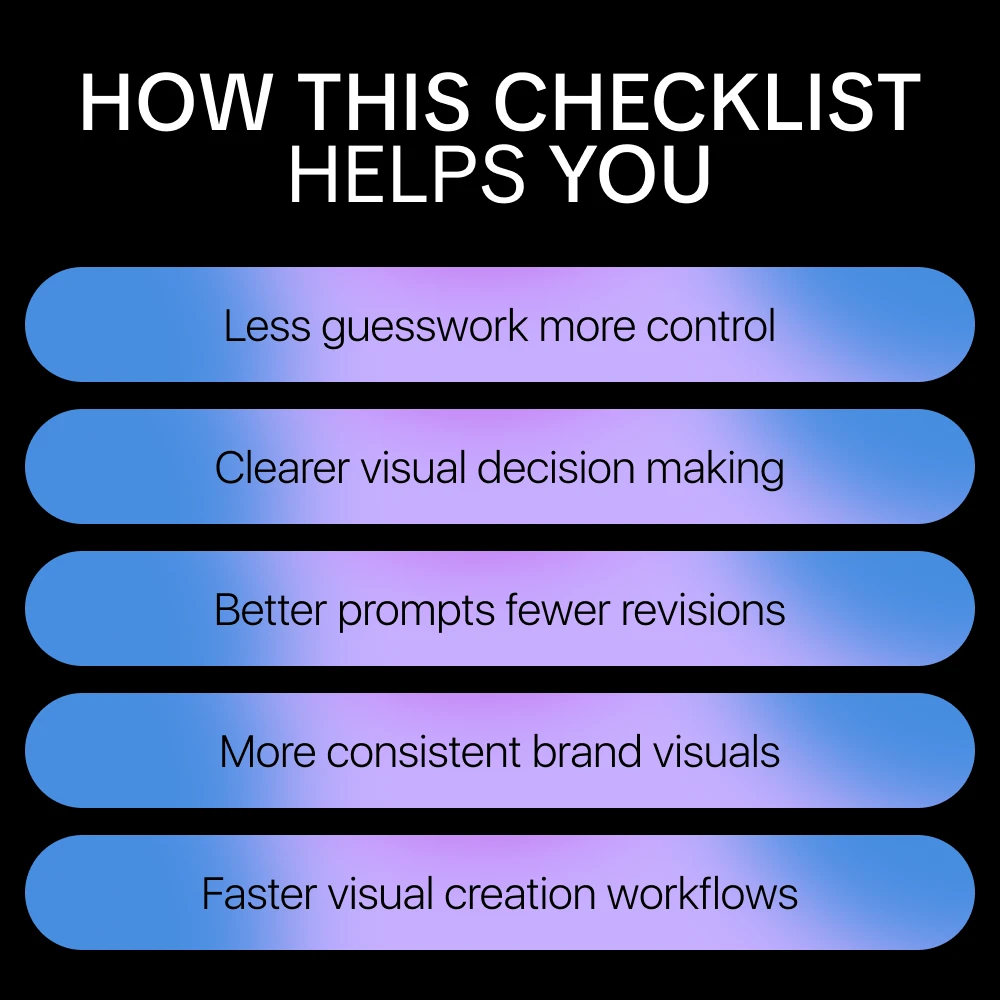
- Saves time by reducing trial-and-error with ai design tools for visuals
- Helps you avoid generic, overdesigned, or off-brand results
- Improves consistency across all your visual content
- Encourages smarter decision-making instead of more button-clicking
- Supports faster experimentation without sacrificing quality
Who This Is For
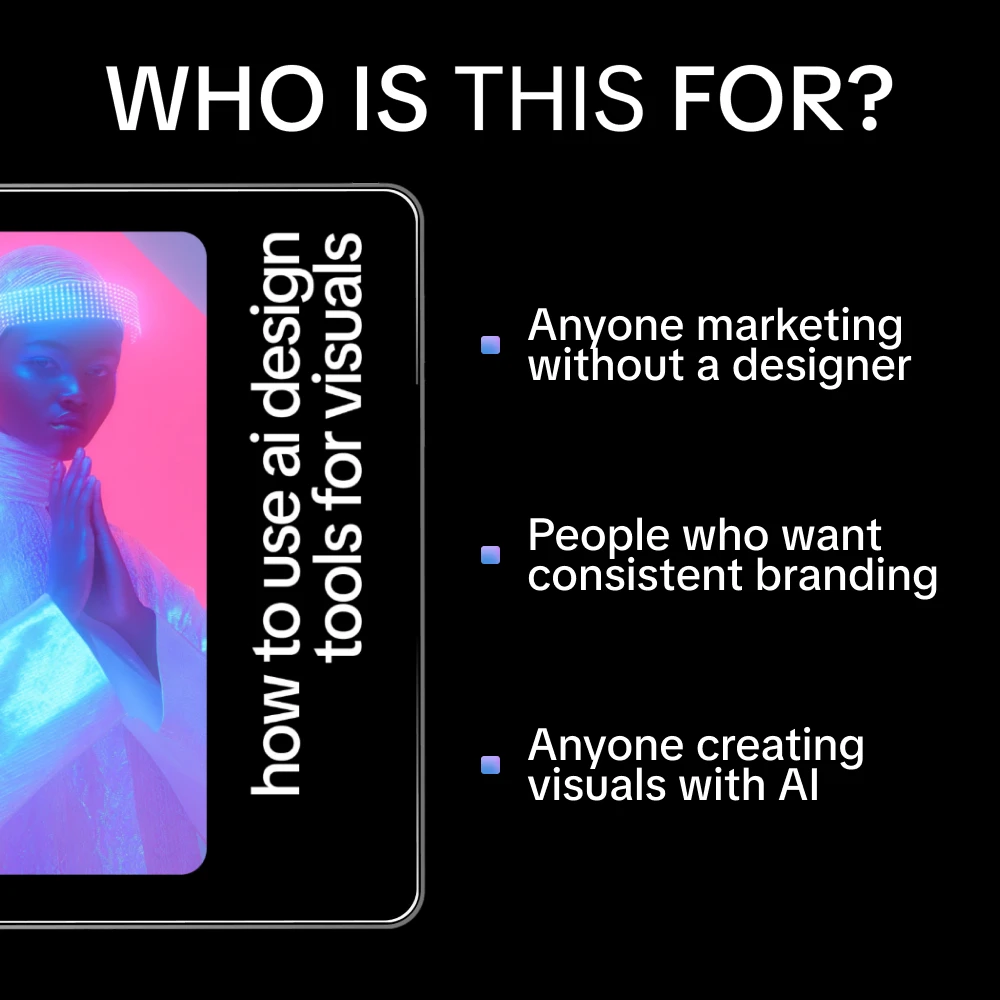
This checklist is ideal for content creators, small business owners, marketers, designers, and anyone using ai design tools for visuals who wants better results without becoming a full-time designer. It’s especially useful if you already use AI but feel your visuals lack direction, clarity, or consistency.
What Makes It Different
Unlike long guides or theory-heavy ebooks, this checklist is practical and action-driven. It doesn’t tell you which tools to use—it shows you how to think while using ai design tools for visuals, so your taste and intent lead every result. The focus is on direction, refinement, and reuse, not just generation.
Download & Start Creating with Confidence
If you want AI to support your visual work instead of complicating it, this checklist is your starting point. Download How to Use AI Design Tools for Visuals
Digital Product Delivery
This is a digital product. Upon payment, you receive immediate access via your account and a confirmation email. No physical shipment involved.
30-Day Satisfaction Guarantee
If this product is materially different from its listing or you experience a technical issue, you are eligible for a full refund within 30 days of purchase.
Lifetime Updates
Your purchase includes access to all future updates at no additional charge. Updates are delivered automatically to your account.